WebVTT,
without the mystery.
WebVTT is a text format for timed tracks on the web. A VTT subtitle file can carry caption text, cue timing and display settings.
What makes a VTT file a WebVTT document?
The VTT format begins with WEBVTT followed by a blank line. A cue contains a start and end timestamp, an optional set of positioning settings, and the text to display. Cue identifiers are optional.
WEBVTT

opening
00:00:01.200 --> 00:00:03.800
Every story deserves to be understood.

00:00:04.200 --> 00:00:06.600 line:90%
Keep the timing. Find the right words.VTT subtitle format versus SRT
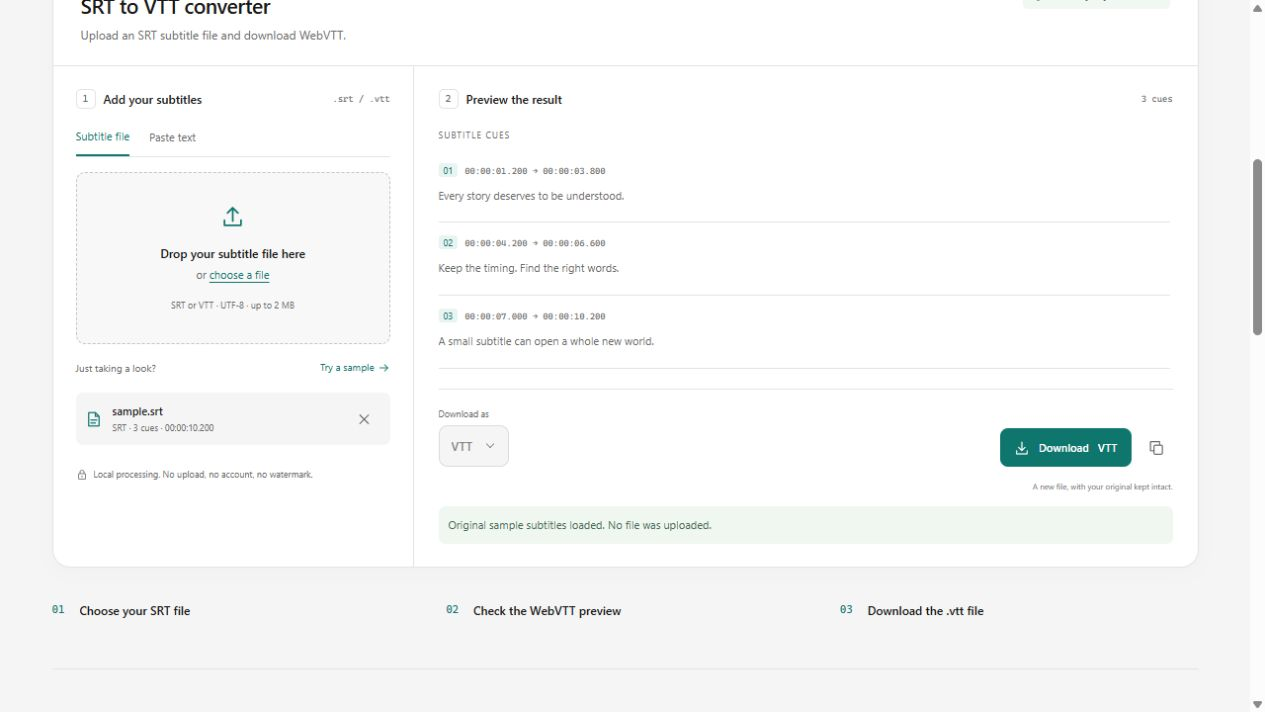
WebVTT uses a period before milliseconds and a WEBVTT header. SRT commonly uses a comma before milliseconds and numbered cues. WebVTT can also contain NOTE comments, STYLE blocks, REGION blocks and cue positioning.
- Convert SRT to VTT to add the required WebVTT structure.
- Convert VTT to SRT when your destination expects SubRip.
- Remember that SRT cannot preserve every WebVTT display feature.
Add a VTT subtitle track to an HTML video
A track element links a web video to its timed text. Set the track kind, language and label to match the actual content. The example below assumes you host the file yourself and have permission to use the media.
<video controls src="film.mp4">
  <track src="captions.vtt" kind="subtitles"
    srclang="en" label="English" default>
</video>
Keep format and player compatibility in view
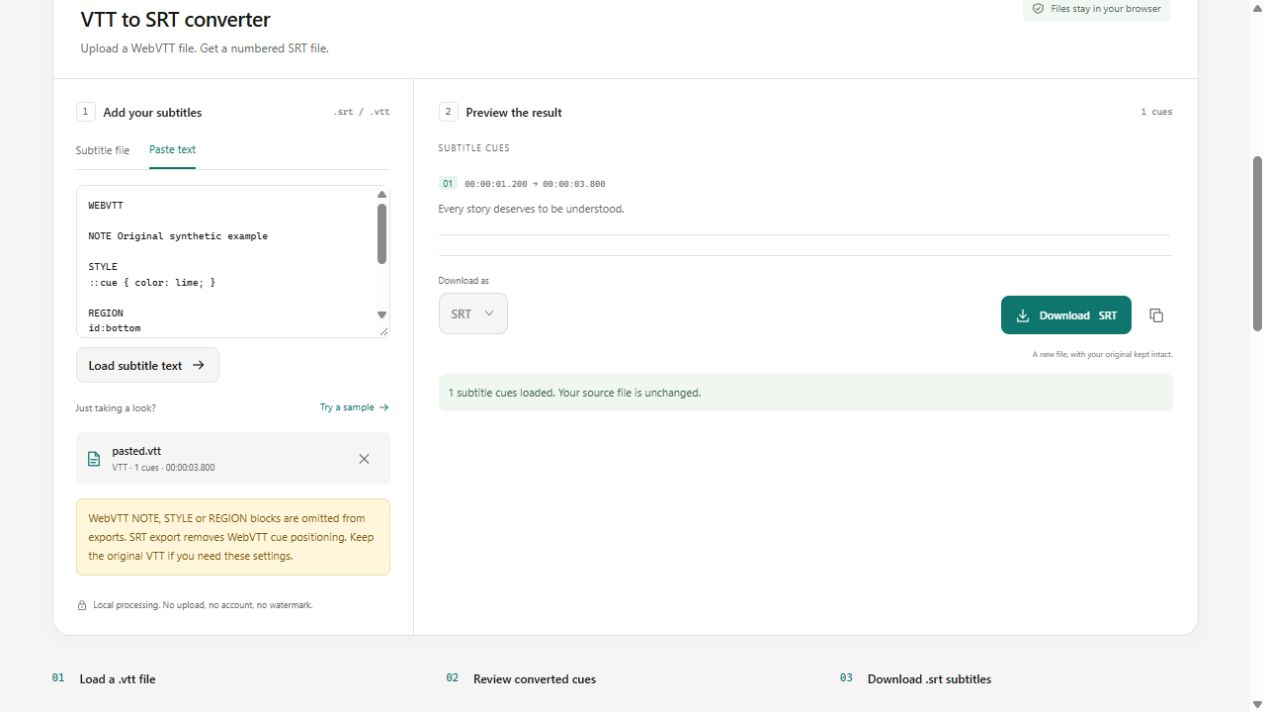
The tools on this site support text cues and their timing. WebVTT NOTE, STYLE and REGION blocks are not retained. VTT cue settings are retained in VTT export, but are omitted when converting to SRT. Test the result in your destination player.
What a real compatibility warning looks like
Our original WebVTT feature fixture has one cue plus NOTE, STYLE, REGION and line:90% positioning. Loading it produces the warning below. VTT export retains the cue setting; SRT export removes it. Neither export retains the three extra block types in this implementation. Keep the original if you need that information.