Subtitle guides.
Make every line work.
Start with the file you have and the result you need. Learn the workflow, check the details, then put it into practice in the tools.
Find the right words.
Choose a tool, translate your file, and review the result.
- Workflow
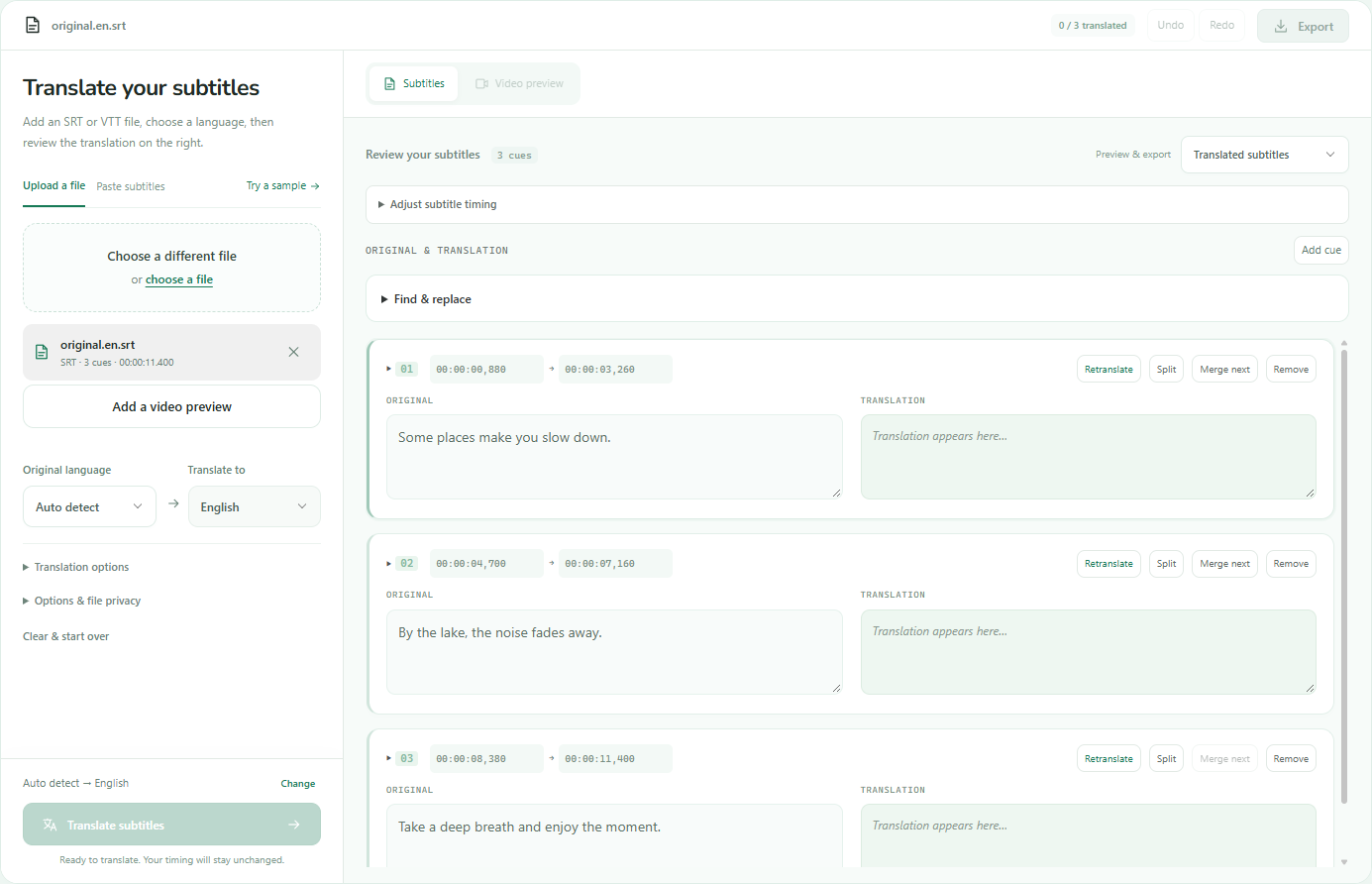
How to translate subtitles
Follow the process from source-file preparation to translation, human review and export.
Read guide - Tool comparison
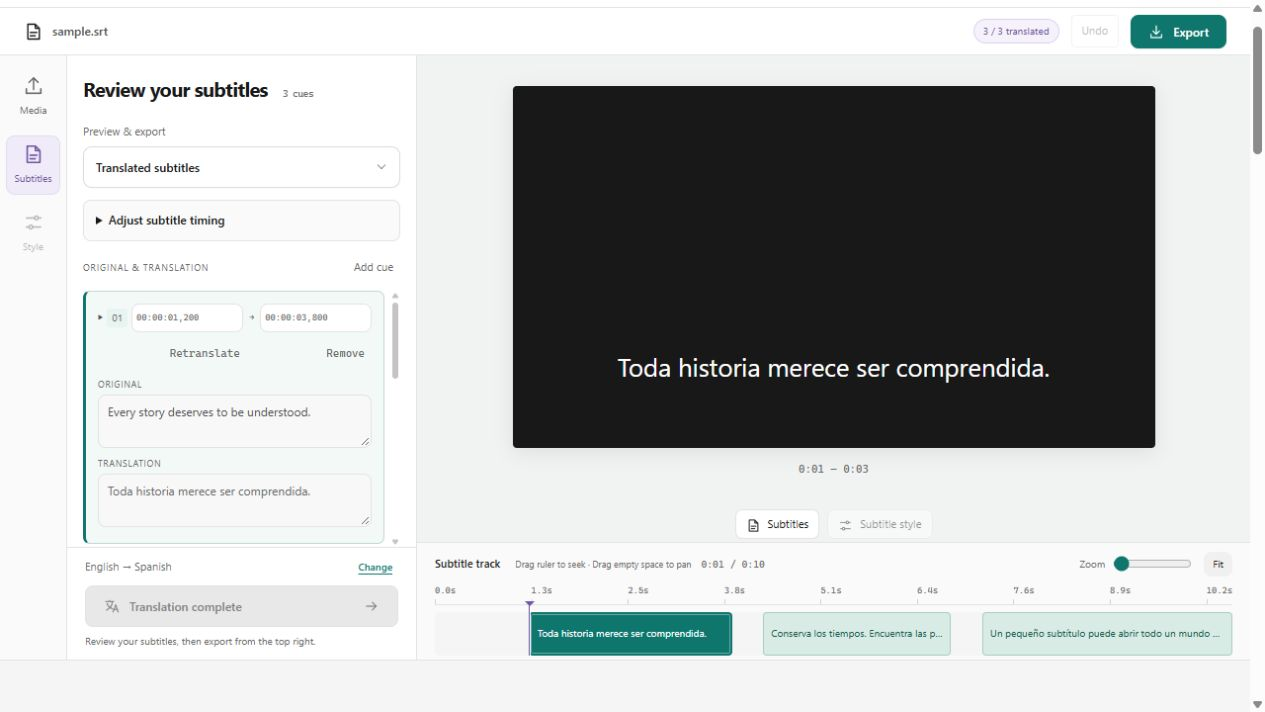
Compare subtitle translators
Compare file translators, video editors and translation services by the job you need done.
Read guide - YouTube guide
Translate YouTube captions
Creator methods: upload translated SRT files or enable auto-translation. Viewer method: use auto-translated captions while watching.
Read guide
Bring the words to the picture.
Keep captions selectable or make them part of the video.
- Screenshots + video

Add subtitles to a video
Follow 3 real screenshots from upload to English captions, then watch the exported MP4 and Chinese translation.
Read guide - MKV & MP4 methods

Embed subtitles in video
Add toggleable subtitle tracks to MKV and MP4 files without re-encoding video frames.
Read guide
Know the file you're working with.
Read the structure, check the timing, and choose the right format.
- SRT reference
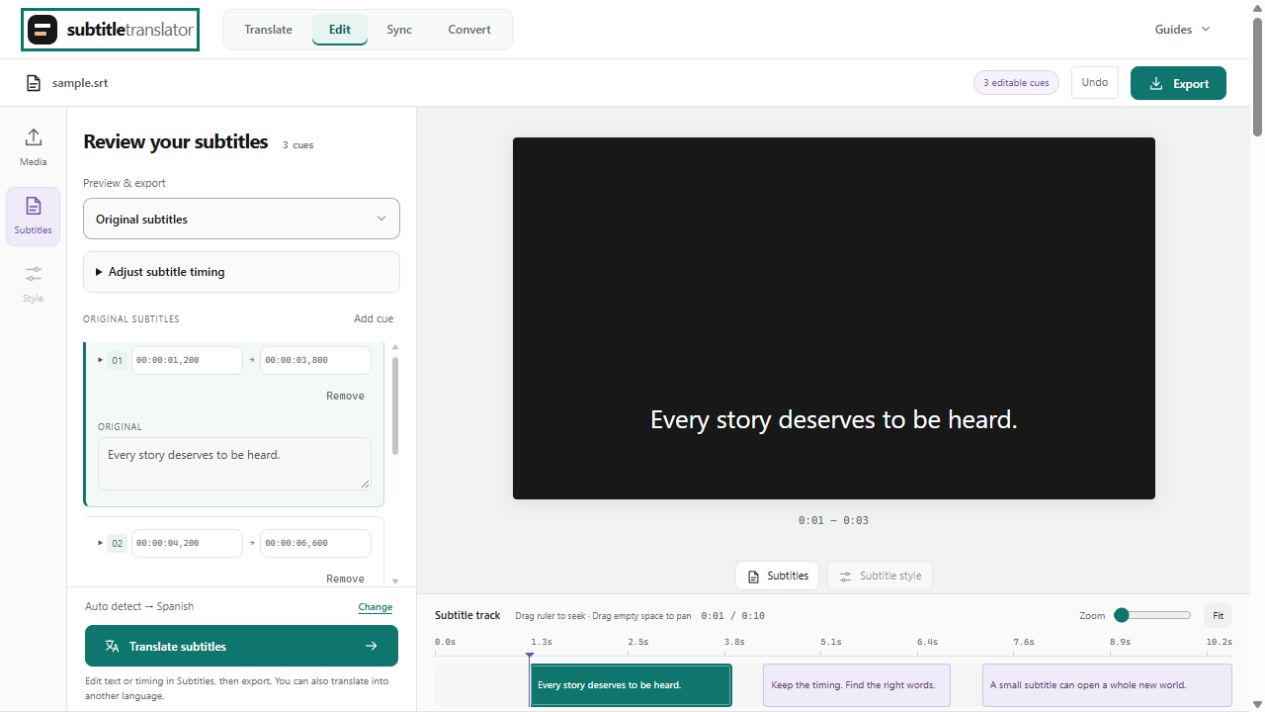
SRT files, line by line
Learn how cue numbers, timestamps and text fit together, with a downloadable example.
Read guide - Editing guide
Edit SRT subtitle files
Fix typos, adjust timing and correct formatting with text editors and dedicated subtitle tools.
Read guide - VTT reference
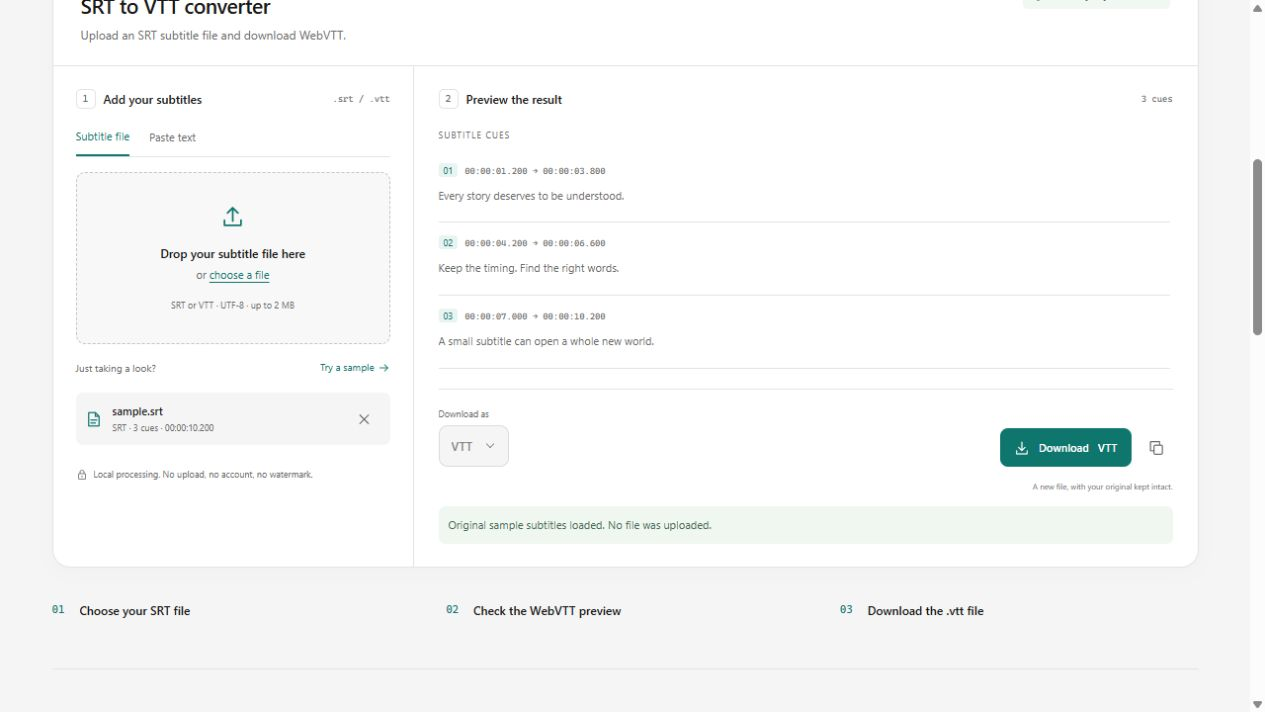
Understand WebVTT
Read VTT headers and cue settings, compare with SRT, and add captions to a web player.
Read guide